Edit the words
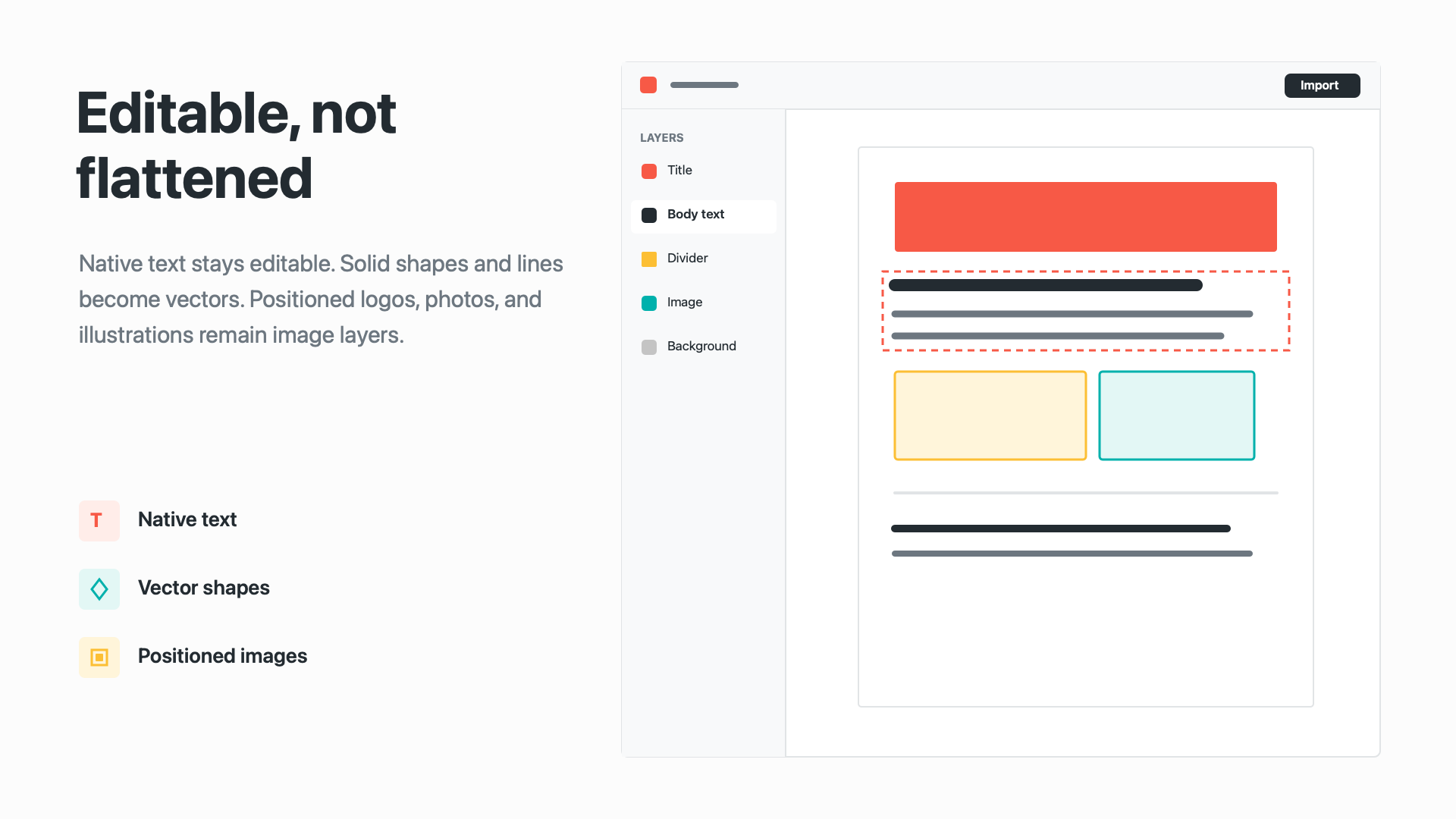
Text fragments are merged into readable sentence and paragraph layers, with color and font metadata retained where possible.
Turn finished PDFs back into workable Figma layers.
Recover native text, supported vector shapes and lines, semantic groups, and positioned bitmap artwork without uploading the source file.
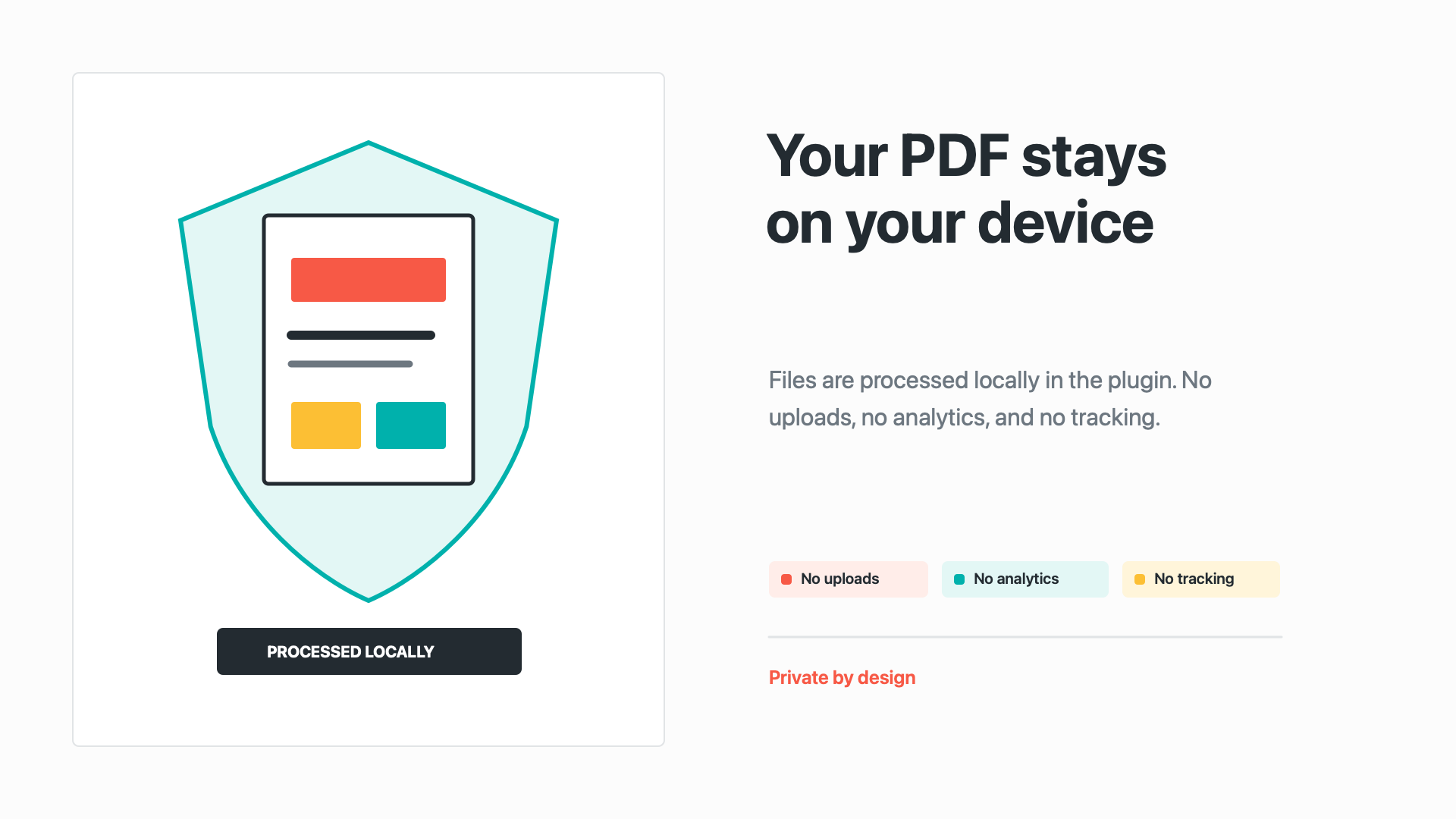
Runs locally in the plugin. No uploads, analytics, or tracking.

From flat to editable
PDF to Figma Design separates supported text, vectors, lines, groups, and placed artwork so you can select and change the parts that matter.
Text · vectors · images · groups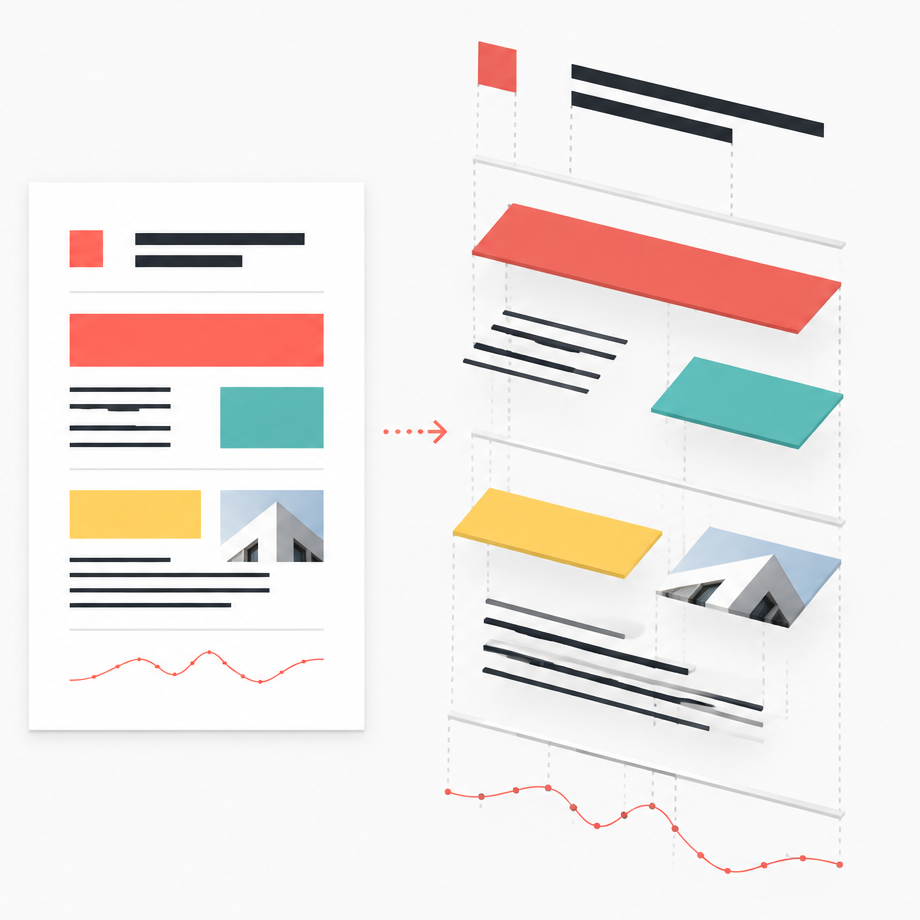
Editable by default
PDF to Figma Design reconstructs supported page content instead of dropping a single flat screenshot onto the canvas.
Text fragments are merged into readable sentence and paragraph layers, with color and font metadata retained where possible.
Solid backgrounds, paths, rectangles, strokes, and divider lines are recreated as vectors when the PDF geometry is safe to preserve.
Embedded logos, photographs, and illustrations remain independently selectable bitmap layers instead of disappearing.
Three steps
Choose only the pages you need and keep their original proportions at 1x, 1.5x, or 2x.
Select a local file, including password-protected documents you are authorized to open.
Pick page ranges, output scale, editable text, and page artwork.
Work with grouped page frames containing native text, vectors, and positioned images.
Private by design
Processing happens inside the Figma plugin environment. PDF files, passwords, and imported assets are never uploaded.
Simple pricing
Choose an ongoing license or get lifetime access with one payment.
Try the real editable PDF-to-Figma workflow before upgrading.
A straightforward yearly license for ongoing use and product updates.
Pay once and keep the full plugin license permanently.
Dodo Payments checkout: Annual $10/year · Lifetime $20 one-time. PDF files stay local. Prices are shown in USD.
Honest boundaries
Digital PDFs with embedded text, solid shapes, common paths, divider lines, and positioned images provide the strongest editable result.
Scans without text layers, unusual fonts, complex clipping, blends, and unsupported effects can require fallback artwork or manual adjustment.